Pick a face swap template. Bring your selfie.
Choose the scene you want to recreate. Each template opens in the photo editor with the target already selected, ready for your face. Browse five travel and portrait photos with notes on head angle, framing, and what to inspect in the result.
Hillside escape
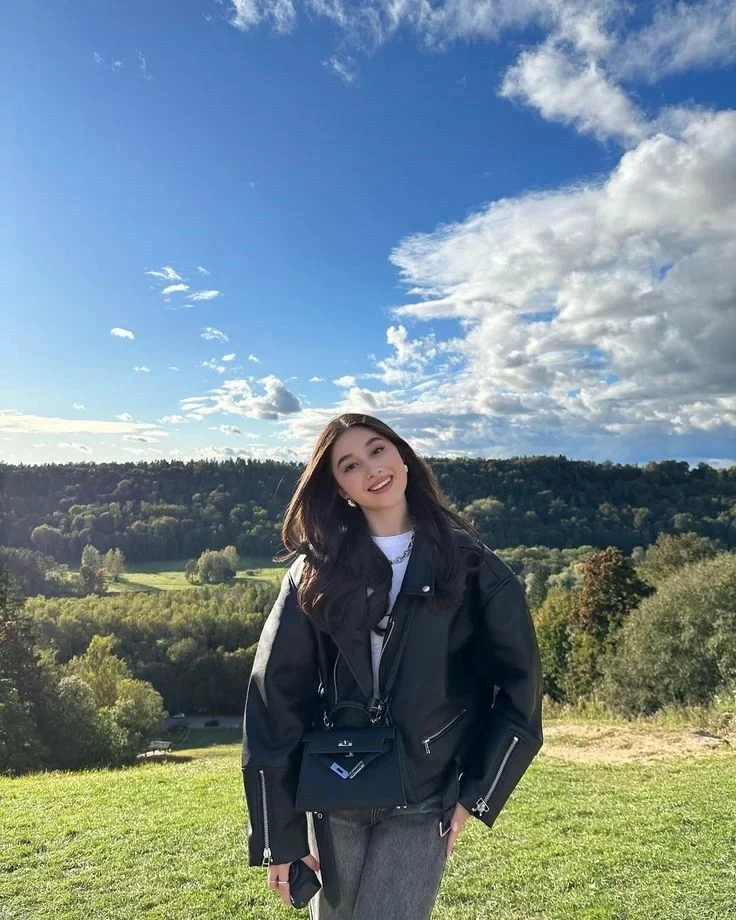
A wide landscape with a tilted, forward-looking face.
Try it for
Travel edits and captions about taking the long way home.
Choose your source photo
Open the target at full size. The face is small compared with the sky, so inspect the eyes before choosing a source.
Use this templateParis portrait
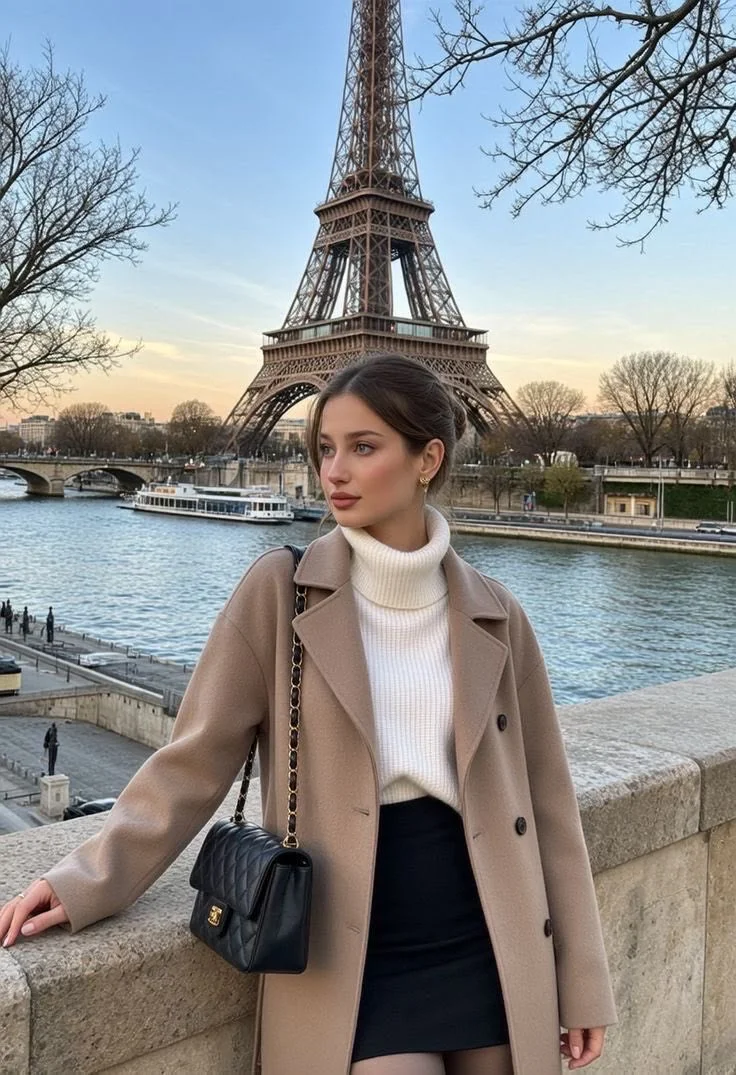
A portrait with the Eiffel Tower behind the subject.
Try it for
A city-break idea or a playful holiday announcement.
Choose your source photo
Compare the mouth and head turn with your selfie. Keep the landmark visible when you crop the final result.
Use this templateCafé break
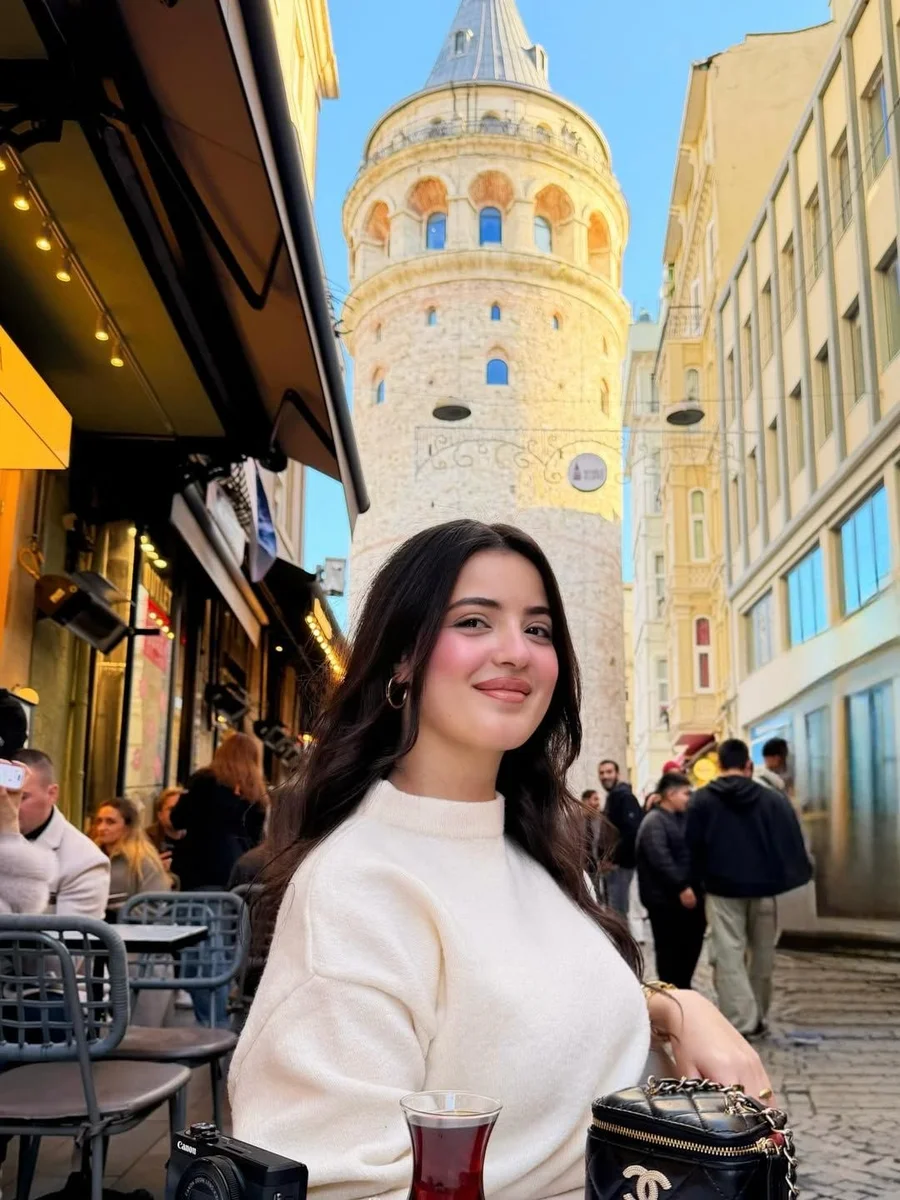
A seated portrait in a city café.
Try it for
Coffee-break jokes and a relaxed everyday portrait.
Choose your source photo
Match the face angle before choosing by outfit. Inspect nearby hair and the jaw against the original.
Use this templateCoastal afternoon
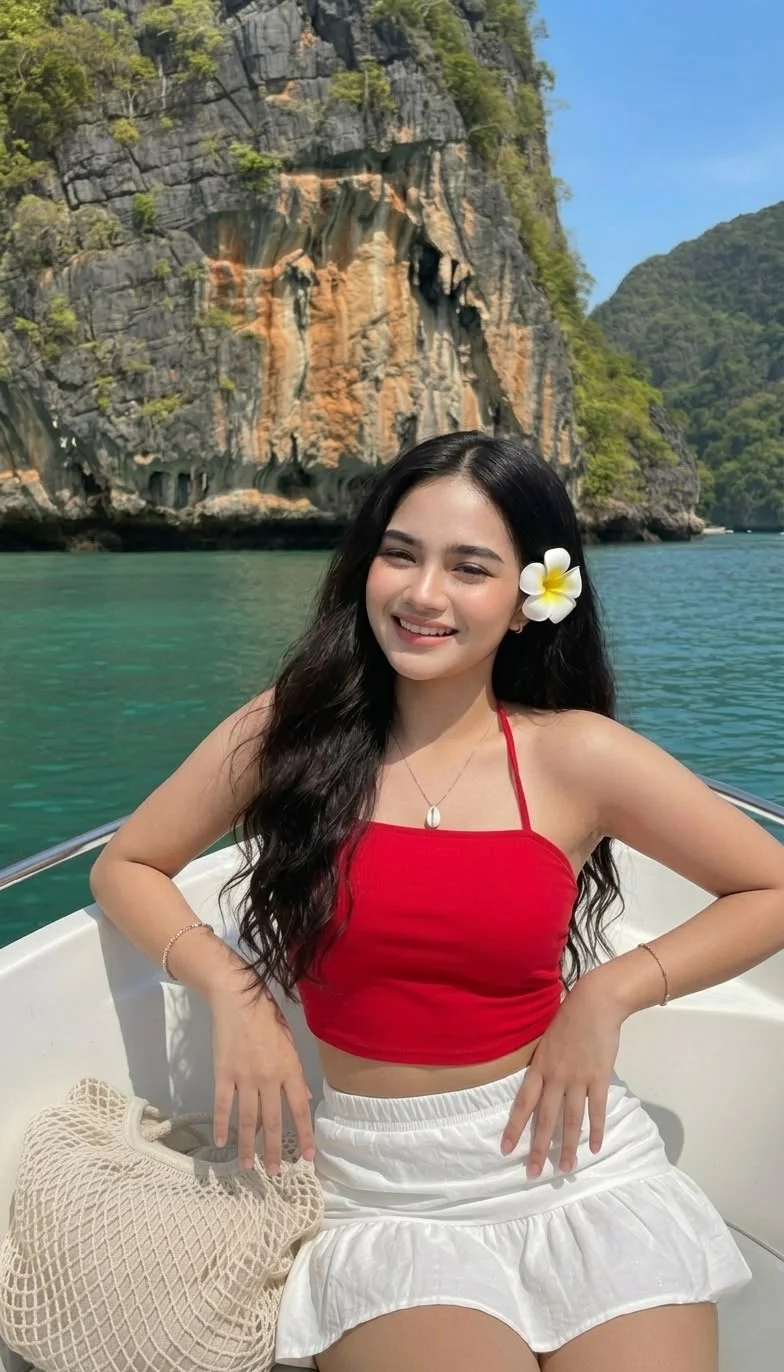
A portrait overlooking the water and coastline.
Try it for
A weekend escape or a vacation-day meme.
Choose your source photo
Check the transition from face to neck and compare the lighting with your source portrait.
Use this templateWoodland glance
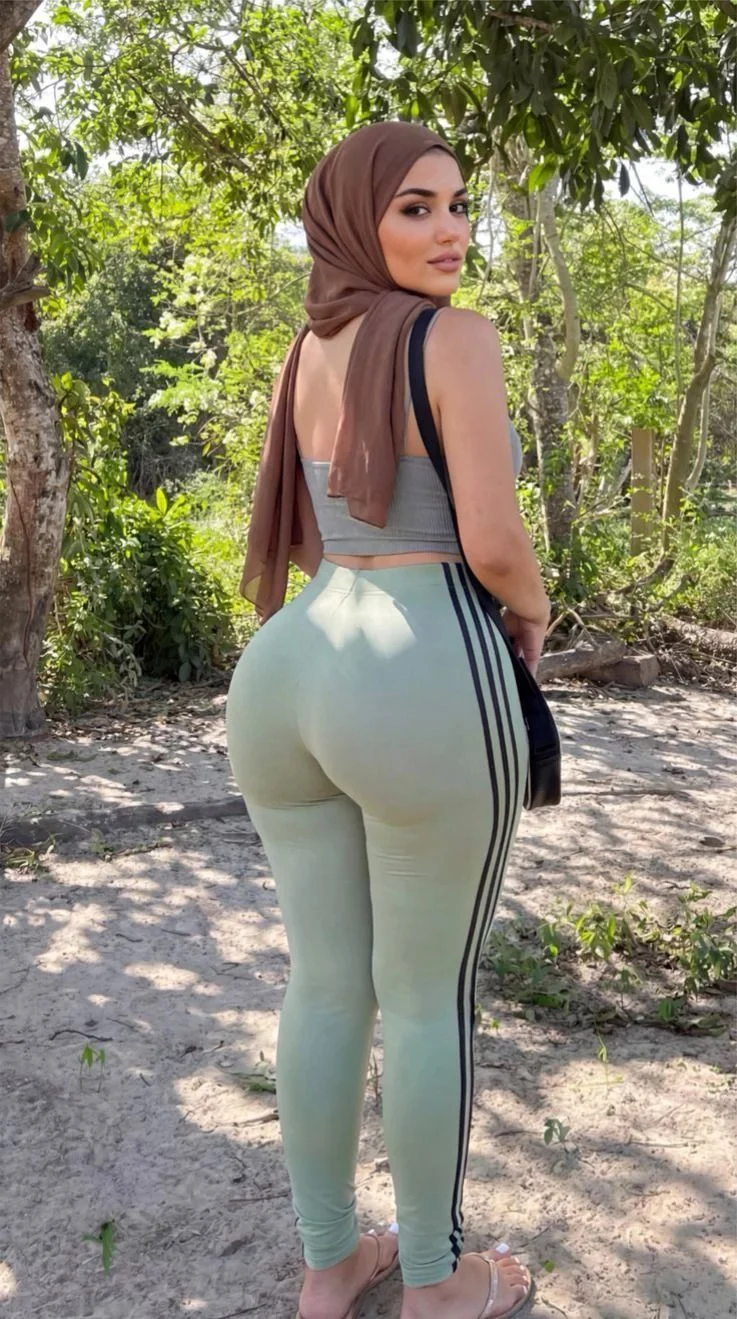
An over-the-shoulder portrait beside trees.
Try it for
A looking-back reaction or an outdoor portrait.
Choose your source photo
The turned cheek meets a scarf. Choose a source with a compatible head turn and inspect that edge closely.
Use this templateHow to use a face swap template
Choose the setting and pose
The target determines the composition you start with. Choose the city, coast or portrait framing you like, then open “Use this template.” Wait for the target preview to load in the editor.
Add a compatible face photo
Upload your source selfie under “Your face.” Pick one clear face with visible eyes and mouth. Match the target’s head turn where possible. The woodland portrait has a stronger turn than the hillside scene, so the same selfie may work differently with each.
Create and compare
Review the processing notice and generate your swap. Use the comparison slider to inspect the result against the target. Check resemblance, facial edges, expression and the surrounding scene before downloading.
Choose a template by the face, too
A scene can look appealing while offering little detail in its face. The hillside photograph leaves room for a caption above the landscape, but the person occupies a smaller part of the frame. Inspect that face at full size before deciding whether it suits a portrait you want to share close up.
The woodland photograph gives you a larger face to inspect. Its turned pose and scarf create an edge that deserves attention. Compare the cheek and eye with your source instead of judging only the outfit or the setting.
If your first result needs improvement, change one input at a time. Keep the template and try a different selfie. If several sources struggle at the same boundary, choose a target with a clearer face. Our realistic face swap guide shows both scenes and explains the review.
Face swap template questions
What is a face swap template?
It is a target photo prepared for you to put a face into. The original photo establishes the scene and pose. You supply a separate face photo and review the generated result.
Can I upload my own target instead?
Yes. Use the target upload in the editor to replace the selected template. Choose a JPG, PNG or WebP image up to 10 MB with one clearly visible face, and confirm you have permission to use the photos.
Are the examples a promise of my result?
The linked gallery shows existing outputs made with its displayed source portrait. Your selfie can differ in expression, angle and lighting. Compare your own output at full size before deciding to keep it.
Can I use a template for a meme?
Yes. Choose a scene with a recognizable face and room for a short joke. Generate the photo, download it, then add the words in a text-capable image editor. Our face swap meme page includes a finished example and caption ideas.
Can I try a template for free?
You can use the current guest offer of one successful photo swap. Further swaps use credits from an available plan or pack. Check pricing before planning a set of variations.